
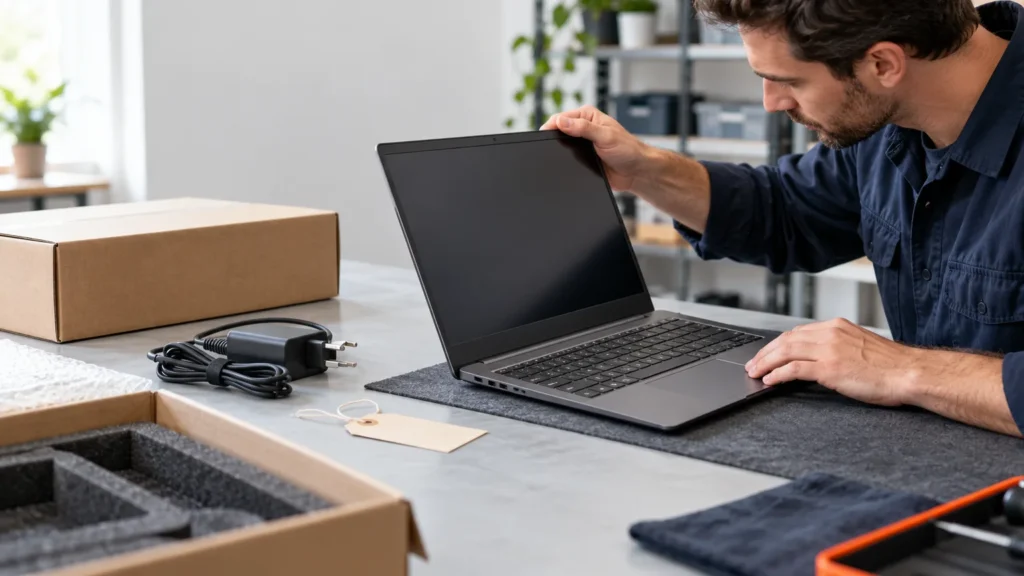
Are refurbished laptops good? Yes, when a named company tested the machine, put a written warranty behind it and will take it back if it fails your own tests. Without those three things, a refurbished laptop is a used laptop with a friendlier label.
I fix Dell, HP and Lenovo laptops, so I judge a refurbished one by how it will look on my bench in two years: a worn battery, a loose hinge, a dead key. The label on the listing can’t tell you that. A warranty document, a return window and a short round of testing can.
What do factory refurbished, certified, seller refurbished and used actually promise?
Used promises nothing: Dell describes a used product as previously owned, often sold as-is, with no guarantee it was repaired, inspected or tested. Refurbished claims repairs and testing to a set standard. Factory or certified refurbished adds the maker’s name and warranty terms to that claim.
Dell’s page says what “refurbished” entails varies a lot between companies, and that is the reason the label alone settles nothing. Dell lists its own process as detailed testing of all components, repair of components that aren’t fully functioning, a data wipe with a restore to factory settings, and a final inspection for cosmetic damage.
Read that list the way a mechanic reads a used-car inspection sheet. By that wording, a battery that still works but holds a fraction of its original charge isn’t “not fully functioning,” and Dell’s page doesn’t promise a new one. Apple’s Certified Refurbished page does promise a new battery and outer shell, but the sentence is written for refurbished iOS devices. It doesn’t extend that promise to Macs, so the Mac listing is where you look.
The warranty is where the programs split. Apple’s page states a one-year limited warranty with free shipping and returns. HP’s US page for Certified Refurbished PCs states a one-year HP Limited Warranty covering parts and labor, with onsite service not included, and says any replacement parts are HP OEM approved. Dell states that Outlet systems carry the same standard limited warranties as its new systems, with a 30-day return policy and exceptions for certain products. Lenovo runs its own certified refurbished program, and its terms are worth reading for your country, since all of these pages differ by market.
| Your situation | Where to look first | Get this in writing |
|---|---|---|
| You can’t afford a dud and want the fewest unknowns | The maker’s own refurbished store (Apple, Dell Outlet, HP, Lenovo) | Warranty length, who services the laptop, the return window and the cosmetic grade |
| A retailer lists it as “certified” | The listing’s fine print | The company that stands behind the warranty, and what “certified” covered |
| The listing says “refurbished” and nothing more | Treat it as used until proven otherwise | A written warranty from a named company, a return policy, and what was replaced |
| You’re buying from a person or an as-is listing | Your own hands-on test | Nothing is promised, so run every test in the last section the day it arrives |
Are refurbished laptops good buys, and when should you walk away?
Refurbished laptops are a good buy from a maker or seller that names its warranty provider, lets you return the machine and lists what was tested or replaced. Walk away when nobody is named as standing behind the work, or when the operating system is already out of support.
One r/laptops commenter puts the first half of that in a single line:
“The big thing is who is doing the refurbishing. I’ve been burned by certain hardware refurbishers, and I’ve had great experiences with hardware refurbishers. Public perception is often determined by the worst example of something, and a lot of people have had…” [excerpt — 688 characters in full]
– r/laptops (5 upvotes)
That is one commenter’s opinion, and it points at the same variable the table above uses: who signs the warranty.
The operating system is the second filter. Microsoft ended technical assistance, feature updates and security updates for Windows 10 on October 14, 2025, and the software keeps running without them. A refurbished laptop that can only run Windows 10 inherits that problem the day you switch it on. Ask which Windows version it ships with and whether that model can run Windows 11.
Some refurbished listings are off-lease machines, which Dell describes as equipment leased, typically for 2 to 4 years, and then returned to the maker. That is years of someone else’s workdays. The battery is the part most likely to show them, and the next section shows how to measure it.
If you can’t test the laptop inside the return window, or you need it working next week with no spare, buy new or stay with a maker’s program and its warranty. A refurbished laptop that fails after the return window closes is a repair bill with a discount attached.
The first-day checklist: battery, keyboard, screen, activation, warranty
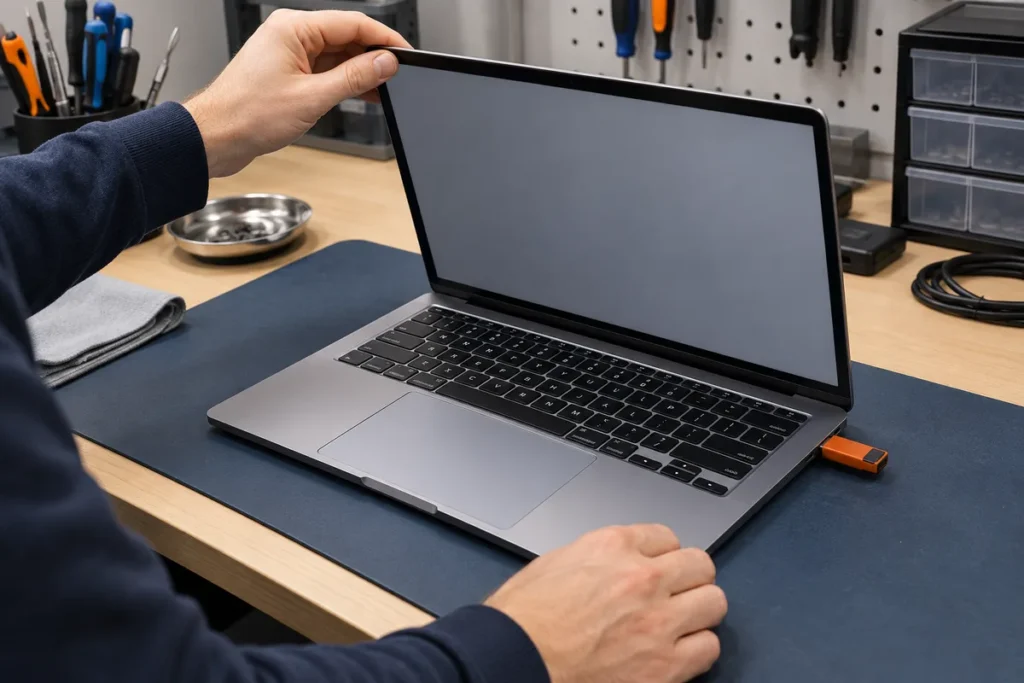
Plug the laptop into the charger it came with and work through these in order. The aim is to find any failure while the seller still has to take the machine back.
A repair that touches the disk starts with an image of the drive. A refurbished laptop arrives wiped, so there is nothing to protect and no reason to wait on testing.
Battery health
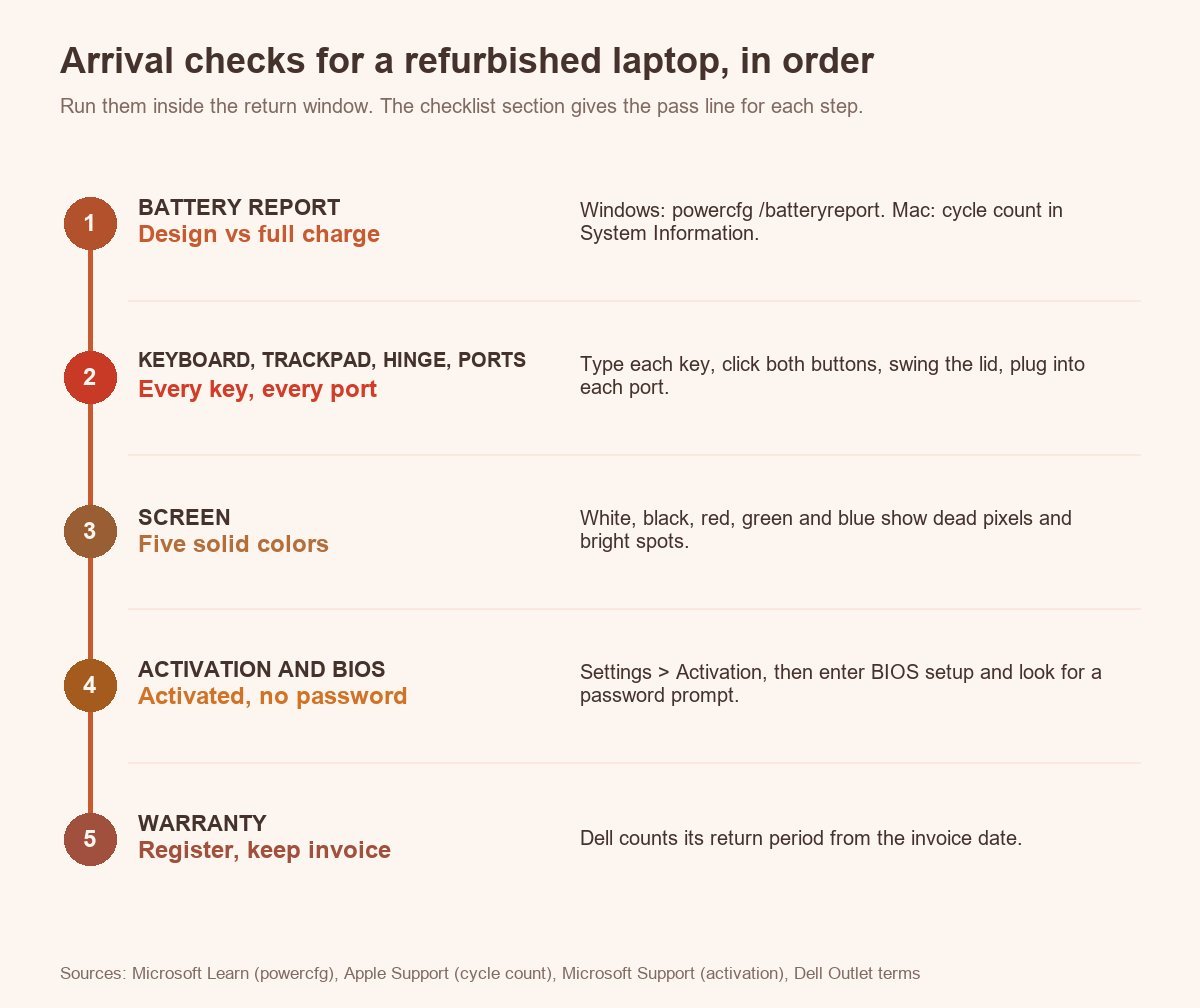
On Windows, open Command Prompt and run powercfg /batteryreport /output "%USERPROFILE%\battery.html". Microsoft’s powercfg reference describes /batteryreport as a report of battery usage characteristics over the lifetime of the system, saved as an HTML file, and /output sets where it goes. Open the file in a browser and find the Installed batteries section. Design capacity is what the pack held when new. Full charge capacity is what it holds now.
Divide the second number by the first. Microsoft’s battery documentation for developers defines design capacity as the theoretical capacity of the battery when new and says to compare the fully charged capacity against it to estimate wear, so the division is the documented method. The same documentation allows a battery controller to report no value at all. If a field comes up blank, ask the seller for another reading or send the laptop back.
Microsoft’s documentation gives no pass mark for the result, so use Apple’s as a yardstick: its Mac batteries are designed to retain up to 80% of their original capacity at their maximum cycle count. A pack already near that line has spent its rated life, so return the laptop or get a battery replacement promised in writing. The 80% figure is a rule of thumb for Windows machines, not a published threshold.
On a Mac laptop, hold Option, click the Apple menu and choose System Information. Open Power under Hardware and read the cycle count under Battery Information. Apple’s cycle count page gives the maximum cycle count for each model, so look yours up and see how much of it is already used.
Keyboard, trackpad, hinge and ports
Open a blank text document and press every key, so a dead or doubled key shows up on screen. Click both trackpad buttons and drag with two fingers. Then swing the lid through its full arc, slowly: the hinge should move evenly, and the screen should hold at any angle without creaking. Plug something into every port and wiggle it gently, because loose ports are common.
For a bar to measure against, use Dell’s Scratch & Dent grade: no missing or illegible letters on the keyboard and no damage to the touch pad or palm rest. A laptop sold as “good condition” by anyone else should meet at least that.
Screen
In a dim room at full brightness, fill the screen with solid white, black, red, green and blue in turn. A dead or stuck pixel shows on one of the colors, and a bright patch along the edge shows on black. Dell’s Scratch & Dent grade promises a screen without scratches or pits. Hold any other listing to that.
Windows activation and BIOS lock
On Windows 11, go to Start, Settings, System, Activation. On Windows 10, go to Settings, Update & Security, Activation. Microsoft Support lists several “activated” messages, including activated with a digital license, and a “not activated” message that comes with an error. Anything other than activated goes back to the seller to fix.
Then restart and open BIOS setup with the key the startup screen shows; the key differs by maker, so use the manual for the exact model. A setup or boot password you weren’t given was set by someone before you. The seller has to clear it. Don’t go hunting for a workaround.
Register the warranty
Register the warranty with the maker or seller the day the laptop arrives, and keep the invoice with the serial number. Dell calculates its 30-day return period from the invoice date. Note your return deadline before you start testing, so a failed test still leaves time to send the laptop back.
Quick answers
How long does a refurbished laptop last?
The refurbished pages from Apple, Dell and HP give no lifespan figure, so any number you read elsewhere is an estimate, not a rating. The part you can measure on day one is battery wear, and the battery report or cycle count shows it.
Are refurbished laptops good from Best Buy or Amazon?
They can be, but the listing decides, not the store. Large retail sites can carry maker-certified units next to units refurbished by third parties, and store terms differ, so read the warranty provider and the return policy on the listing itself.
What are the disadvantages of a refurbished laptop?
Four stand out. Lower cosmetic grades can carry visible blemishes, which Dell’s own grade descriptions allow. The warranty may be shorter or narrower than a new laptop’s, as HP’s one-year, no-onsite terms show. The battery may be worn, since nothing in Dell’s process list requires a replacement. And you take the configuration as listed, because Dell notes that refurbished units can be a previous-generation model and offer no customization.