
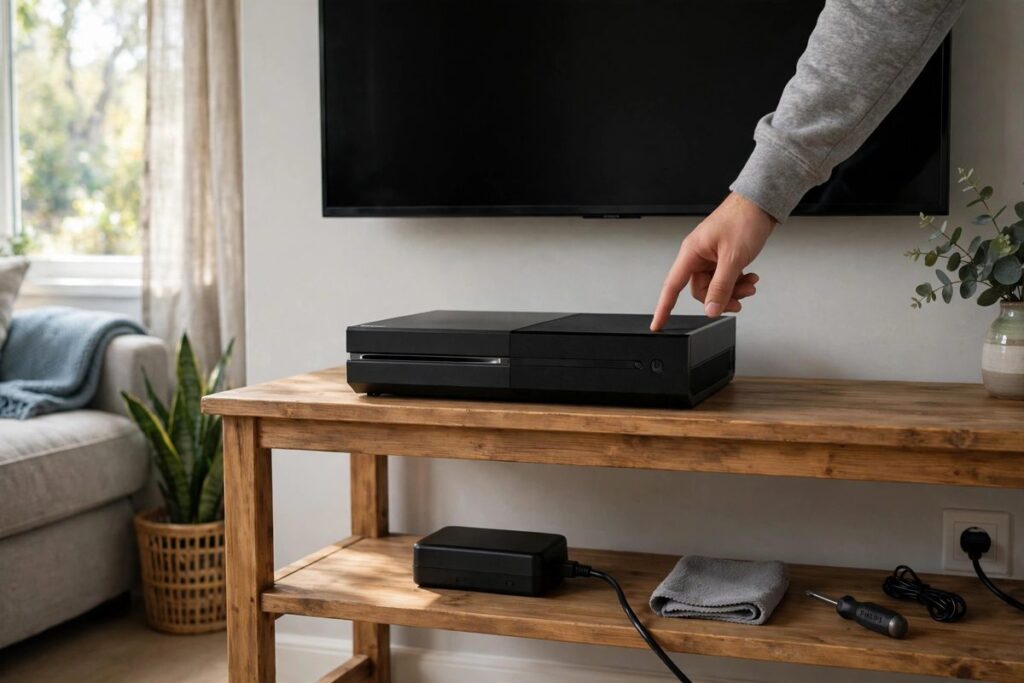
When an Xbox One won’t turn on, the fault is usually in the power path, not a dead console: a tripped surge protector inside the supply, a loose cord, or a failing external brick on the original model. Start with Microsoft’s 10-second power reset straight into a wall outlet, then work the checks below in order.
Which checks apply depends on the machine in front of you, so the first step is naming it. If you landed here for a different box, the PS5 won’t-turn-on steps and the Steam Deck checks follow the same free-first logic.
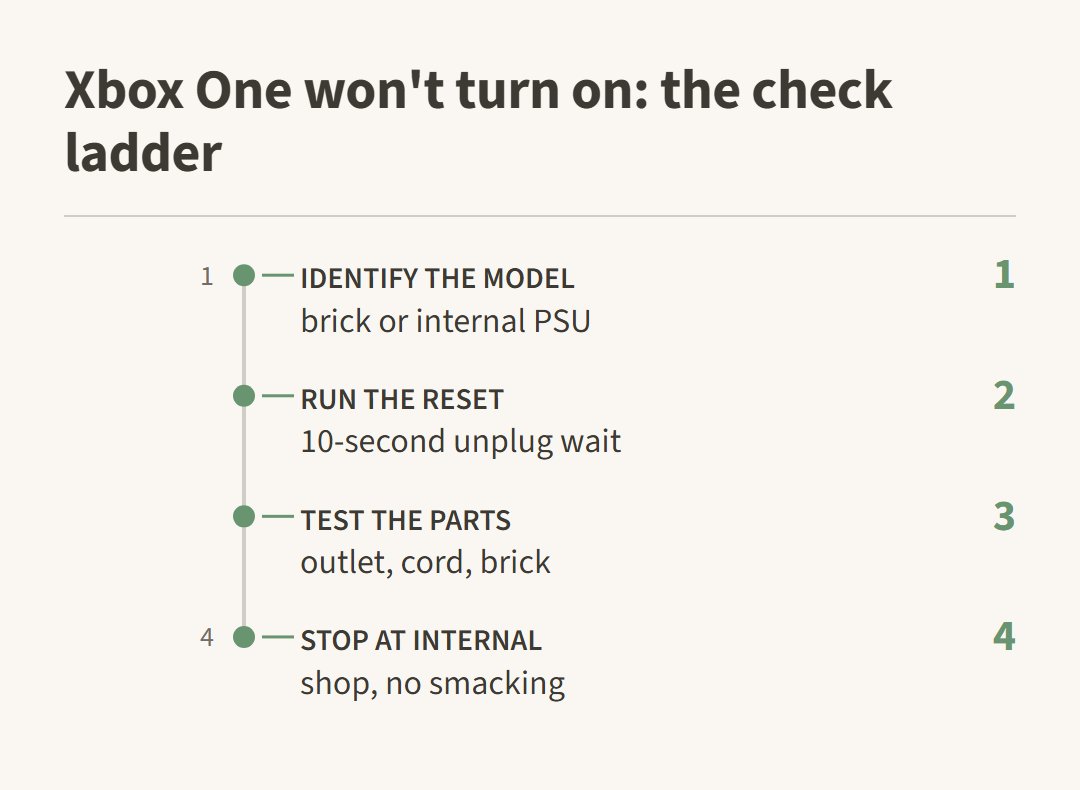
Xbox One won’t turn on: which model do you have
Original Xbox One consoles carry an external power brick with its own indicator light, while the Xbox One S and Xbox One X moved the supply inside, leaving nothing on the cord but a plug. The correct reset and the first suspect both depend on that difference.
Look at the cable between the console and the wall. A chunky box in the middle of the cord means you own the original model and the brick is part of the diagnosis. A plain figure-8 lead means an S or X, where the power supply lives inside the case and the cord is the only external piece.
On the original model the brick’s light is a free tester. Owners describe amber and white states on a working brick; a brick that stays dark on a wall outlet you have already proved with a lamp or phone charger is a suspect before the console is. We treat an unlit brick on a known-good outlet as a brick problem until a borrowed brick proves otherwise.
The 10-second power reset Microsoft wants first
Microsoft’s own won’t-power-on guidance opens with a power reset: unplug the cord, wait 10 seconds, plug back in firmly, then press the Xbox button. It works because many no-power cases are the built-in surge protector tripping after a surge, not a dead motherboard.
- Unplug the power cord from the back of the console. On the original model, unplug the brick from the wall outlet too.
- Wait at least 10 seconds so the protection circuit inside the supply clears.
- Reconnect the cord firmly and plug it straight into a wall outlet. Xbox Support’s won’t-power-on page warns that the console has a built-in surge protector, so sitting behind another surge strip or power strip can keep it from the full power it needs.
- Press the Xbox button on the console front.
If the console starts, the reset worked and the surge protector was the story. If it stays dead, test the outlet itself with a lamp or a phone charger, confirm the cable is the one that shipped with the console and right for your region, then move to the parts checks below.
When the brick, cord or button is the suspect
If the reset changed nothing, isolate the part that carries power. On the original model the external brick fails more often than the console does; on S and X models the figure-8 lead is the cheap part to rule out first.
Owners on Reddit reach for the same suspect list:
“Power cords probably shot”
— r/XboxSupport (3 upvotes)
Curt, but often right. Before buying a replacement brick, try a known-good one: a friend’s console of the same model, or a game store counter that will plug your console into their brick for a minute. For S and X models, owners report the figure-8 lead itself being the fix — a spare lead from another device works for testing.
A dead-feeling power button is a different trap. Try powering on through the alternatives: insert a game disc, which wakes the drive and the console, or press the Xbox button on a controller connected by USB. If the console boots that way, the front button needs attention but the machine is alive. And when the console comes on but the pad still refuses to stay paired, the Xbox controller connection checks cover that separate fault.
When it makes a sound but will not boot
An Xbox One that clicks, spins a fan or chirps but never shows a picture is a different fault from one that is fully dead. Sound means power is arriving; something downstream fails after that.
One owner described exactly that pattern on a console stored for years:
“it sounds like something is trying to turn over, still sounds like a fan or the disc drive”
— r/XboxSupport, November 2026 (17 upvotes)
Community slang names this pattern the “click of death” (not an official diagnosis) for a console that gets power but dies at the drive, disk or board level. Run the full power-path reset anyway, because it costs nothing. When a fan twitch or a single beep is all you get on a known-good power path, DIY is done.
Stop and take it to a shop
Stop and take it to a shop if a known-good outlet, the correct cable, a tested brick and the full reset still produce nothing. Microsoft’s own line is that a console which will not turn on after those checks needs service.
You will find advice to smack the console back to life. Owners in the same community thread warn that smacking causes damage, and we agree: a loose connector does not get reseated by impact, it gets jarred further. On consoles a decade or more old, also weigh the repair bill against what a working used unit costs; decide after the free checks, not before. If the console shut down hot mid-game before refusing to start, heat may be part of the story; the Xbox Series X overheating guide shows the same free-first pattern on that model.
Xbox One won’t turn on questions
How do I force my Xbox One to turn on?
No force-power button exists, but three alternates do: the 10-second power reset, a disc insert that wakes the drive and the console, and the Xbox button on a controller connected by USB. If none responds on a known-good outlet, the fault is internal.
Why did my Xbox One suddenly stop working?
Microsoft names a tripped built-in surge protector as the most common cause, and the 10-second reset clears it. Less common, in rough order: a failed external brick or cord, then an internal power fault on the board.
What is the Xbox One click of death?
It is community slang for the click-then-nothing pattern: the console receives power and clicks, but the boot fails at the drive, disk or board. It is not an official term, and a real click-with-no-boot still goes through the free power checks before anyone calls the hardware dead.