
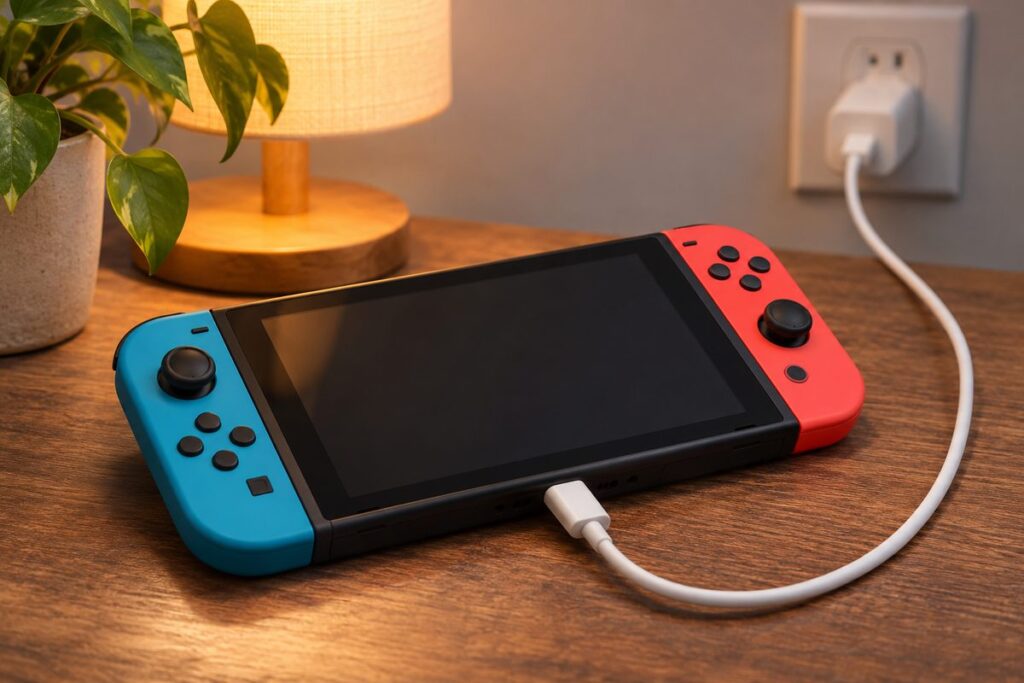
Nintendo’s support page for a Switch that can’t be charged starts with a reset: unplug the AC adapter for 30 seconds, hold POWER for 20 seconds, then plug the adapter straight into a wall outlet. If no battery charging icon appears after several hours, the adapter or a USB-C port is the suspect.
A Nintendo Switch not charging, yet still lighting up or flashing an icon, belongs here. A console that stays completely dead after the steps below belongs to Nintendo Switch won’t turn on instead.
Nintendo Switch not charging: what does the screen do?
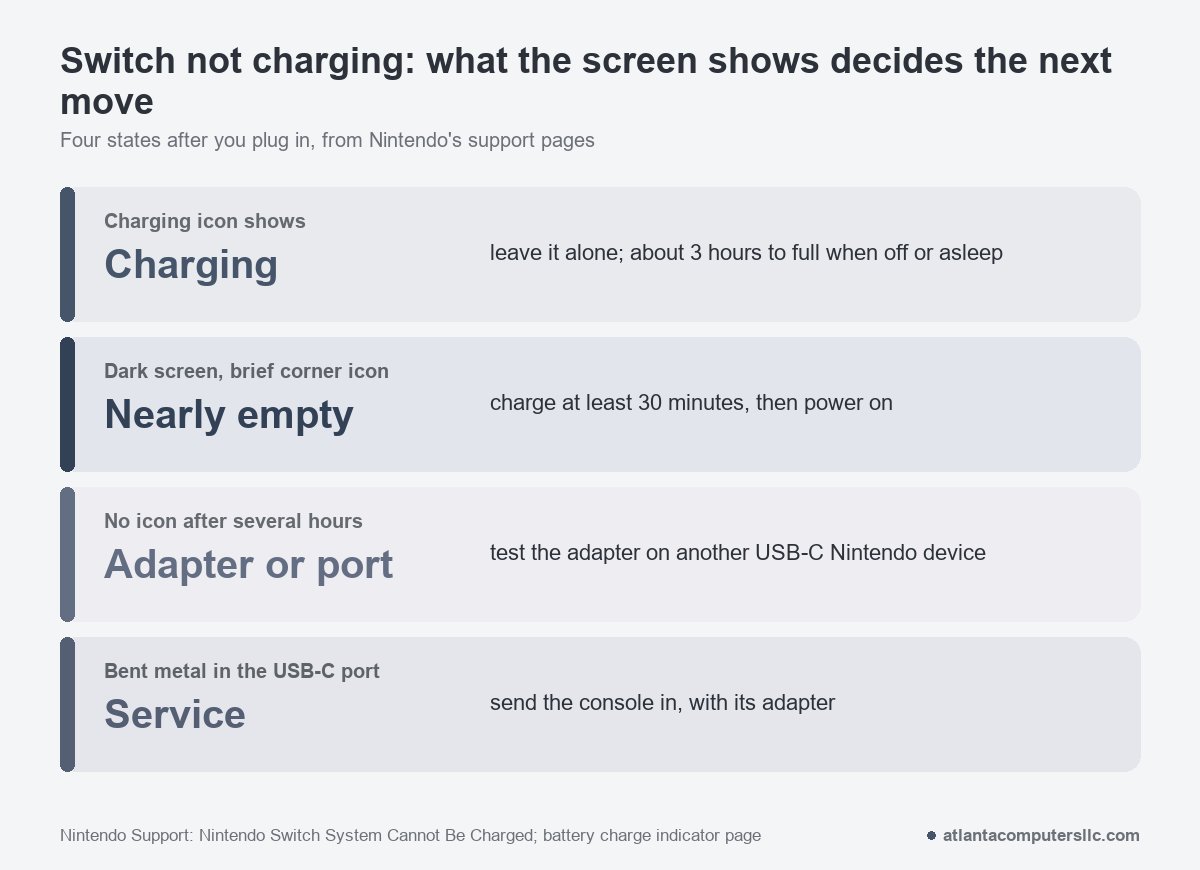
Plug the adapter in, press POWER once and watch the screen. A charging console should display a battery charging icon, says Nintendo. Because a Switch has no power light, the screen is your only signal, and what it does sorts the problem into one of four groups.
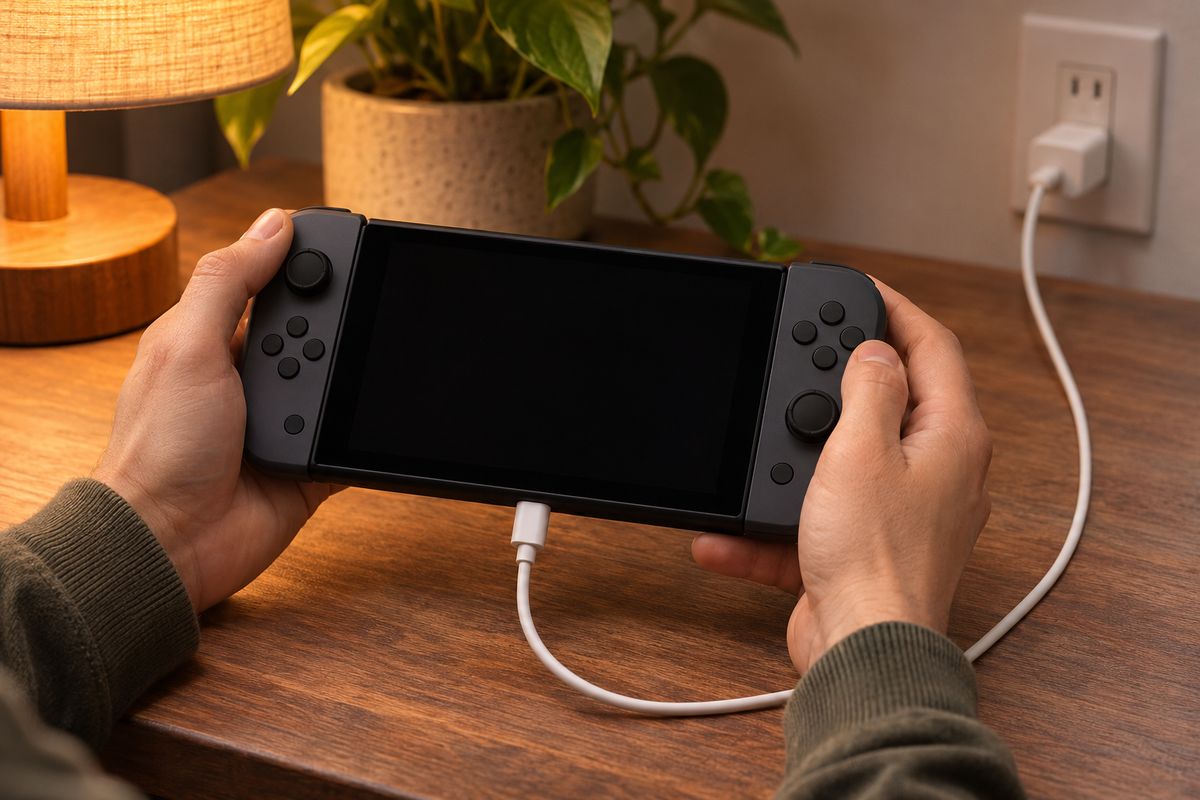
The charging icon appears. Leave it alone. Nintendo’s battery-indicator page puts a full charge at about 3 hours when the console is powered off or in sleep mode.
The screen stays dark, but an icon flashes in the top-left corner for a moment. Nintendo describes that as a nearly depleted battery. Give it at least 30 minutes on the charger before you try powering on.
No icon at all, or the level never reaches 100% after several hours. Nintendo points at the AC adapter or the charging ports. Which of the two? The tests further down sort that out.
Bent metal inside the console’s USB-C connector. That one skips the home fixes and goes to service.
Reset the adapter and the console first
Run these in order. They’re Nintendo’s steps, and none of them costs a cent.
- Take the console out of the dock.
- Unplug the AC adapter from the wall and from the dock or console. Leave it unplugged for 30 seconds.
- Hold the POWER button for 20 seconds, then release it. That forces a shut down. iFixit’s Switch page gives 12 seconds for the same hard restart, but Nintendo’s 20 is the longer hold, so use it.
- Plug the adapter directly into a wall outlet, then into the console. If nothing happens, try a different outlet.
- Press POWER once.
Pass or fail is simple: the battery charging icon appears or it doesn’t. If the screen stays black, don’t pull the cable yet. A console that sat empty for a long time can need the 30 minutes from the section above before it reacts at all.
Dead for days? Give it time
A drained battery can look just like a broken charger. In an r/NintendoSwitchHelp post about a Switch that wouldn’t charge, one reply said this about waiting.
“It looks like your using the original charger , 🔌 and sometimes it does take AWHILE, to recharge from being completely dead , just leave it for a few hours then .”
– r/NintendoSwitchHelp (4 upvotes)
The original poster had started on a different charger and then changed it.
“Thanks, I had it plugged into a MacBook charger before but switched to the original Nintendo one when I noticed the issue. Still same issue but I’ll leave it plugged into overnight.”
– r/NintendoSwitchHelp (3 upvotes)
Both fit Nintendo’s advice: use the licensed adapter, then give a drained console time. Nintendo says unlicensed adapters don’t go through its testing and may have compatibility problems. The model to look for is HAC-002, printed on the bottom of the adapter where the cord attaches. The excerpt doesn’t say how the overnight charge ended, so it tells you what people try, not what worked.
Adapter, cable, dock or port: which one is failing?
Swap one part at a time, and keep the rest the same. Then the fault follows the part that’s actually bad.
The adapter and cord. Nintendo’s test is to plug the adapter into another USB-C Nintendo product, such as a Pro Controller, a Joy-Con Charging Stand or a dock. Look over the cord for fraying, splits, loose connectors and kinks, and try a different adapter if you can borrow one. The same cable-first logic runs through our PS5 controller not charging page, and a Steam Deck that won’t turn on starts at the charger too.
The dock. If the console charges with the cord in its bottom port but not when docked, the dock is the suspect. Nintendo’s TV-screen page tells you to plug the adapter into the dock and straight into a wall outlet, then try a different dock. If a second dock works, only the original needs service.
The port. Look at the USB-C connector at the bottom of the console. Nintendo says damage such as bent metal means the console needs service. iFixit adds that lint and debris can stop a cable seating, and suggests an air duster and a non-conductive tool. Keep metal out of the port.
The battery. iFixit’s tell for a failing battery is a console that only powers on while it’s plugged in.
This is where home fixes end. iFixit says the USB-C port is soldered to the board, not a modular part. I don’t do board-level microsoldering, so a soldered port is where my own bench work stops too. If the case looks bulged or the console won’t sit flat, stop charging it and send it for repair.
Switch 2 charges a little differently
On a Switch 2, Nintendo’s Switch 2 charging page adds a few things the original doesn’t have.
- If “Stop battery charging at approximately 90%” is switched on, the console won’t charge past that point. That’s a setting, not a fault.
- It has two USB-C ports, one on top and one on the bottom. Try the adapter in the other one.
- Plug the charger into an outlet directly, not a power strip.
- The Switch 2 adapter is model NGN-01. The older HAC-002 can charge a Switch 2 directly, but not through the Switch 2 dock for charging or TV mode.
- Unlicensed adapters of 54W or more can work, but may have compatibility problems.
When the adapter charges another Nintendo device and your console still shows no icon, that points at the console. Nintendo’s service request asks you to include the AC adapter with it, so it can be tested alongside.