
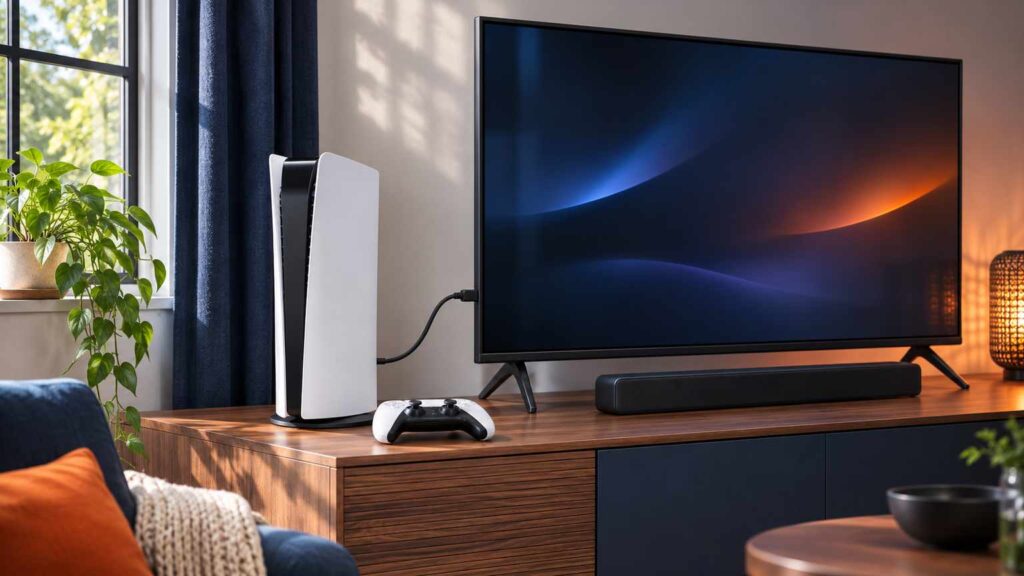
PS5 no sound with a normal picture usually means the console is sending audio to the wrong place or losing it on the HDMI path. You can fix the first from Settings > Sound > Audio Output and the second with a cable or port swap, so work out which speaker should be playing before you change anything.
Run one test first. Plug the HDMI cable into a different port on the TV, or swap in a second cable. If the sound comes back, you are done. If it does not, put on a headset. Sound there but not on the TV means the console is making audio, so the fault sits on the HDMI path or in the TV. Asurion’s FAQ reaches the same conclusion.
PS5 no sound: which speaker should be playing?
Find the row that matches the speaker you expect to hear, then run only that check first. Each check is a Sony setting or step, so you can tell a menu fix from a cable fix before you spend any money.
| Sound should come from | What you notice | Check first |
|---|---|---|
| TV or monitor speakers | Picture, no sound, nothing else plugged in | Output Device set to an HDMI device, TV not muted, then another HDMI port |
| TV speakers, after a headset session | TV silent, headset works | Output Device, then Switch Output Device Automatically |
| Soundbar or AV receiver | Silent after an input or format change | HDMI Device Type, Audio Format (Priority), then plug the console straight into the TV |
| Wireless headset | Game audio or chat missing | Chat/game balance, adapter seated in the USB port, headset reset |
| Controller speaker | Effects and prompts missing | Settings > Sound > Volume, then the MUTE button |
| Any of them, starting suddenly | Worked yesterday | TV update history, a full unplug, another HDMI port |
Mute, volume and the Output Device setting
With PS5 no sound on a TV, open Settings > Sound > Audio Output and read Output Device. For TV or monitor speakers it should be an HDMI device. Check that the screen and any other audio gear are not muted and that the volume is loud enough.
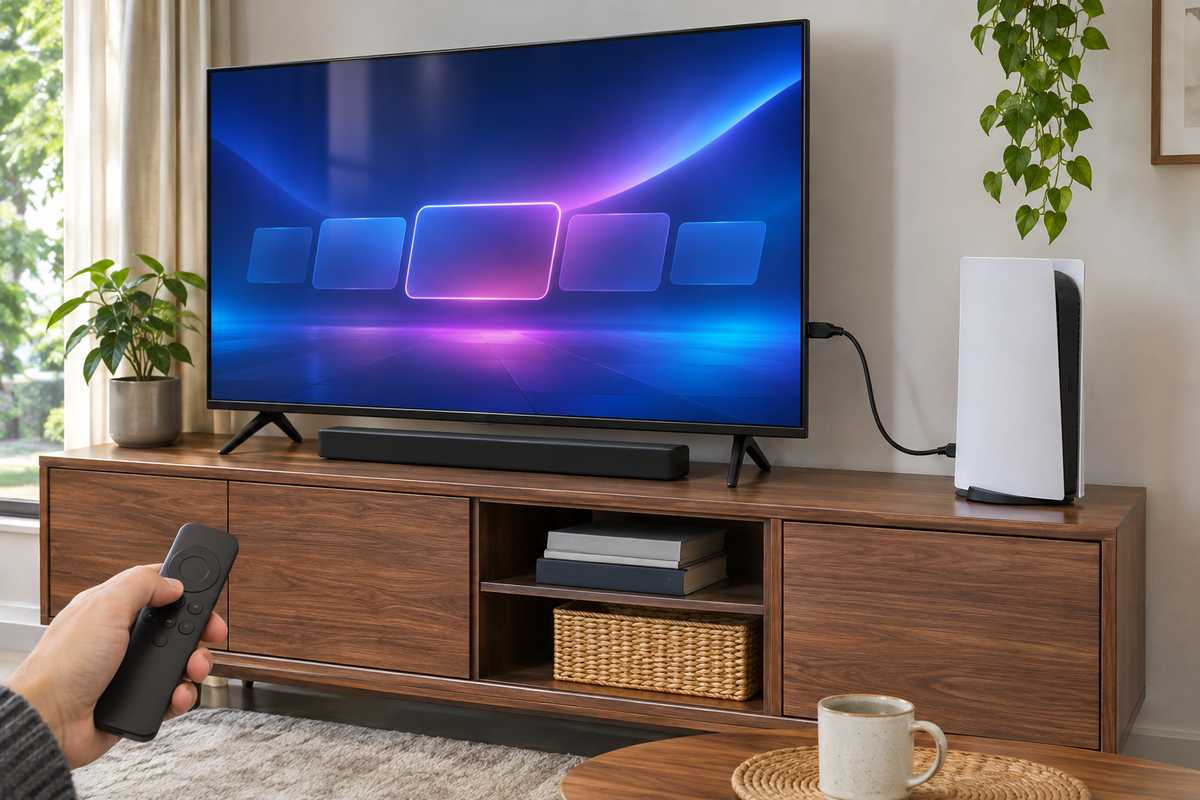
The control center has the same switch: press the PS button and pick Sound. Switch Output Device Automatically follows Output Device and moves sound to a headset as soon as one connects, so the TV can go quiet without you changing a thing; turn it off to keep the sound on the TV, or reselect the HDMI device after a headset session, which takes seconds.
On a PC the first look goes to the output device the machine picked, before anything gets opened. Sony’s audio settings page names every control above.
HDMI Device Type, Audio Format (Priority) and 3D audio
If Output Device already says HDMI, the next controls on the same screen are HDMI Device Type and Audio Format (Priority), plus 3D audio for TV speakers one screen over. A mismatch between these and the TV, soundbar or receiver can produce PS5 no sound next to a perfect picture.
HDMI Device Type tells the console what is on the other end of the cable. Choose TV for a TV. Choosing AV amplifier adds Number of Channels and Adjust Speaker Positions, which only make sense when a receiver really sits in the chain between the console and the screen, so leave it alone otherwise.
Audio Format (Priority) sets the output format for games and video apps, and some apps, such as the disc player, keep their own audio settings that take priority. Sony’s page does not list the formats on offer. Asurion names Linear PCM as the most compatible choice and suggests it when Dolby or DTS fails. One r/playstation poster with an AV receiver describes a quick toggle:
“This happens a lot to me with my av receiver. All I do is go to audio settings and change from Atmos to Linear and back and sound comes back”
– r/playstation, November 2025 (3 upvotes)
That is one receiver’s habit, not a rule. It is quick and leaves nothing to undo, so with a soundbar or receiver in the chain, try it before you touch the cables.
Settings > Sound > 3D Audio (TV) holds Enable 3D Audio for TV Speakers. Switching it off returns the output to plain stereo, which rules it out; Sony’s troubleshooting for the feature also says to disable TV sound functions such as surround. Video Transfer Rate is a video setting: Sony documents it for screen flicker only, so it stays out of the audio steps.
Cable, port, soundbar and the unplug test
For PS5 no sound over HDMI, swap the HDMI cable, then the TV’s HDMI port, then connect the console straight to the TV with the sound bar, home theater and any capture device unplugged. Sony’s picture and sound troubleshooting list has each of those for lost audio and recommends the HDMI 2.1 cable that ships with the console, though older cables can be used.
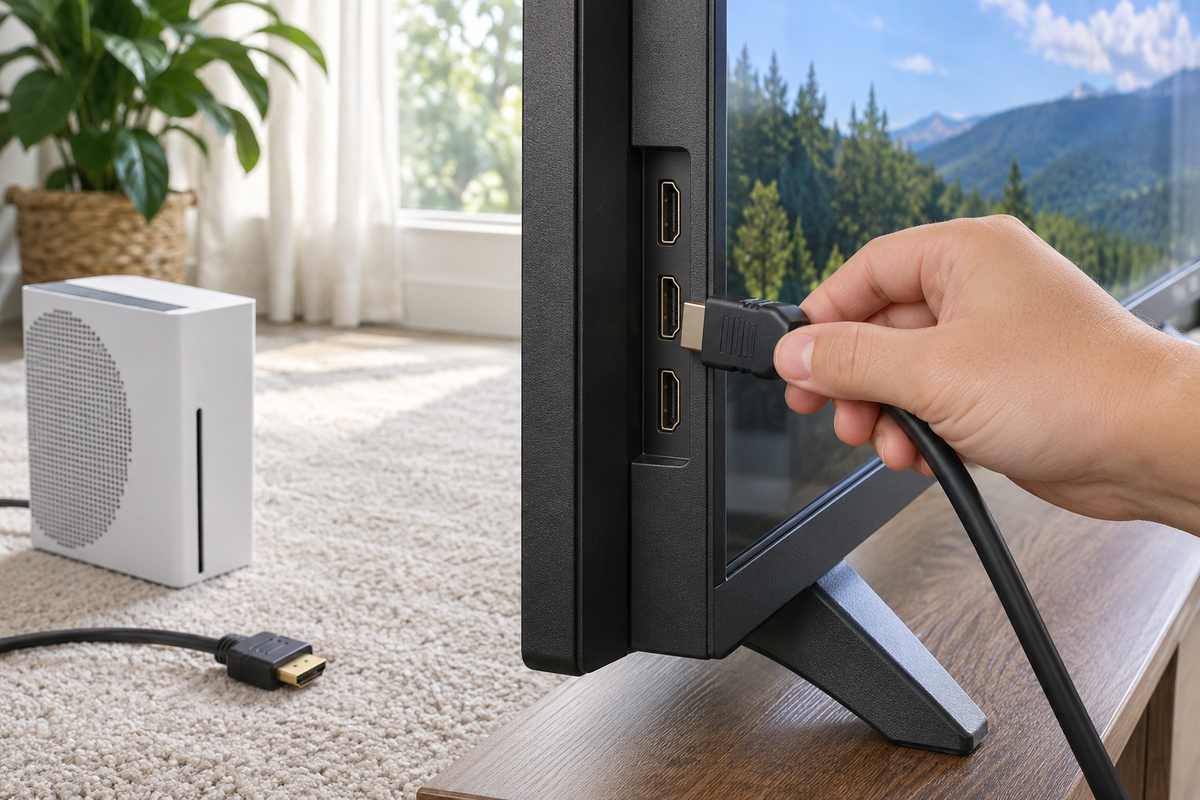
On a PC I swap the cable before blaming a part. A cable costs nothing to test, so a console gets the same order. Also check that the TV or audio device has its latest firmware and read the maker’s manual for the settings high-resolution signals need.
Power cycling has three different waits in circulation, and they come from different places. Sony’s 20 minutes, with the screen and console off and both power cables out, sits in its no-image steps, not its sound list. Asurion’s sound steps say to power off, pull the HDMI cable and wait one minute. A Reddit poster whose sound came back after a long silence went further:
“Got mine to work! I shutdown ps5 and unplugged power and hdmi AND unplugged the all hdmi cables from the TV, let it sit for five minutes and pet my dog (I think the dog part was key). I been trying variations of all that for hours!”
– r/playstation, November 2026 (1 upvote)
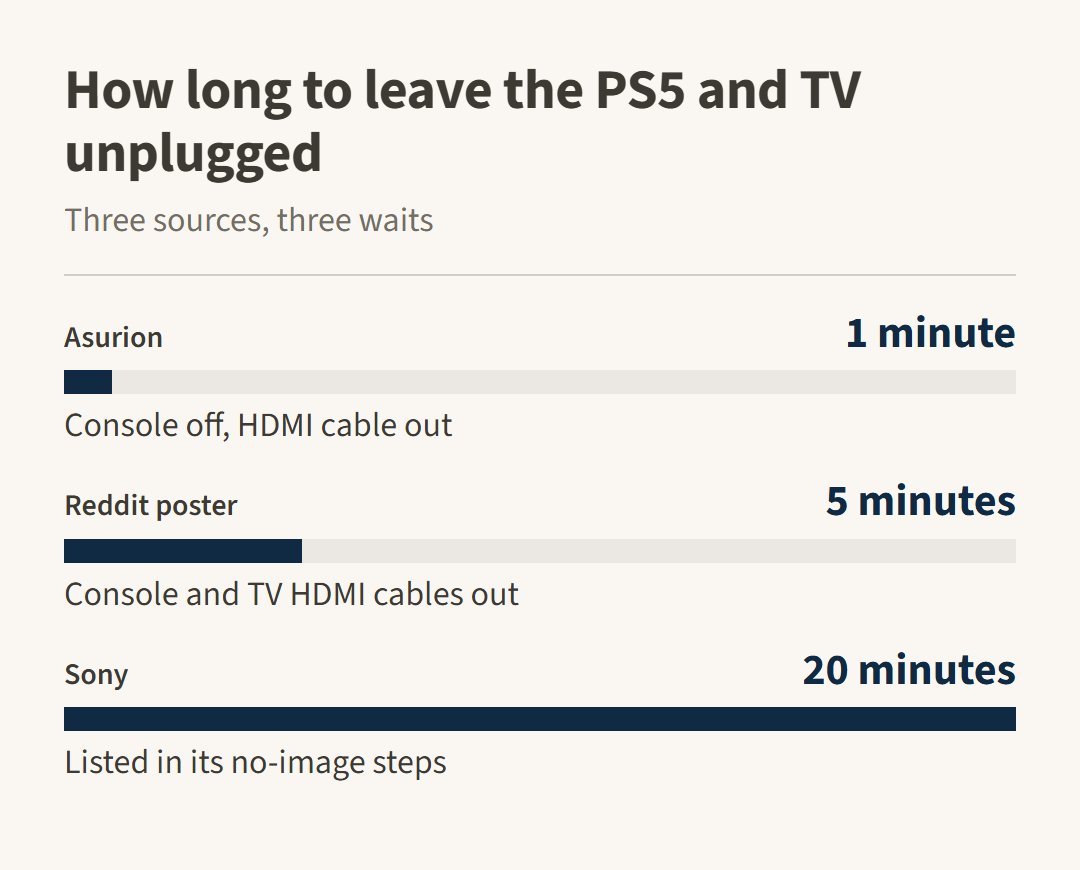
Try the shorter waits first since they cost little, then run the 20-minute one before you decide the console is at fault. Pull the TV’s HDMI cables out as well, as that poster did.
Headset and controller speaker
When the TV is fine and the silence is in a headset or the controller’s own speaker, the fix is a volume, mute or pairing setting rather than HDMI. Check Settings > Sound > Volume first, then the MUTE button, then the headset’s adapter.
Settings > Sound > Volume sets the level for Headphones and Controller Speakers, so one can sit at zero while the other plays, and the MUTE button on the controller mutes the mic and speakers, blinking while it is on until you press it again.
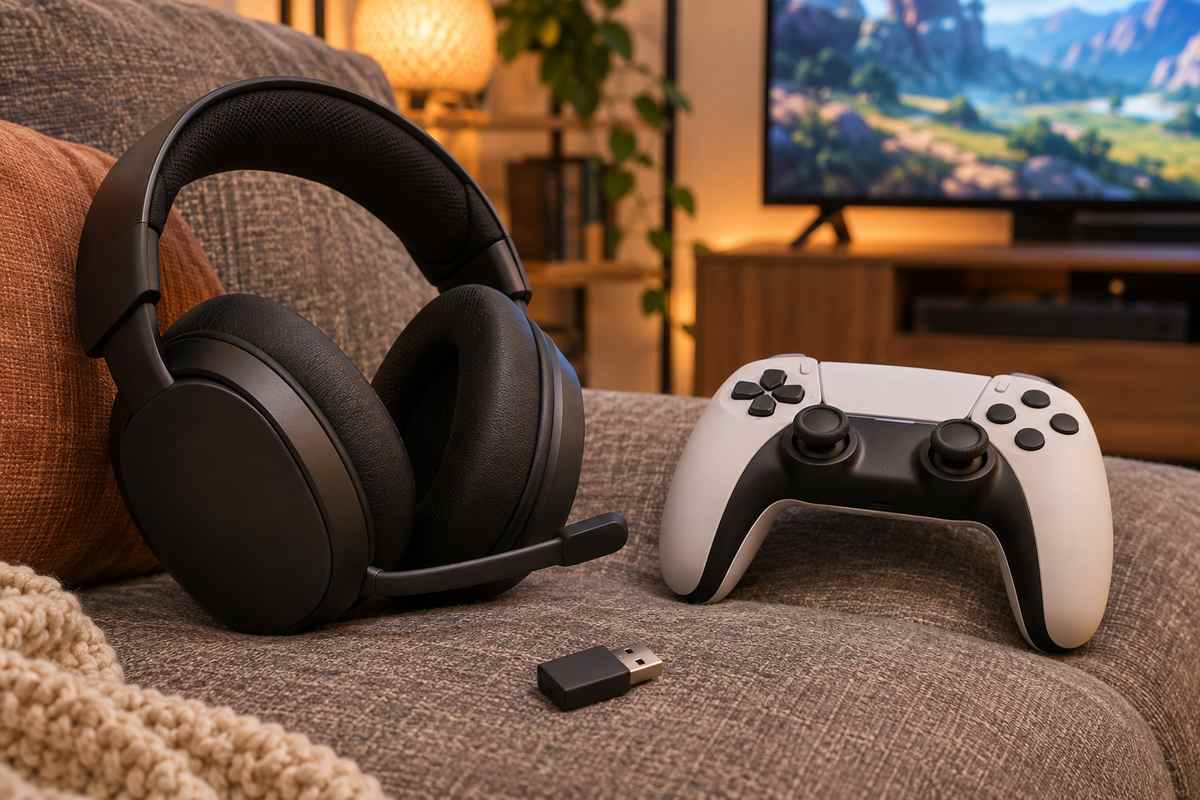
For a PlayStation wireless headset, push the USB wireless adapter firmly into the console’s USB port and turn the headset off and on. Pull unused wireless adapters from the other ports, and reset the headset if that fails. A headset plays game audio and chat together; if you hear only one, change the chat/game balance with the headset buttons. If the controller itself keeps dropping off, fix that first with the steps in PS5 controller not connecting. These steps come from Sony’s audio settings and wireless headset pages.
What the recent threads do and do not show
Recent Reddit threads describe PS5 no sound that started for no obvious reason. Sony’s published system software notes carry no entry about lost sound, so there is no official update cause to point at.
In those threads the TV shows up more than the console. One poster says sound returned when a Roku TV finished updating, then vanished again the next day. In another thread a PS5 and an Xbox Series X on two separate TCL Roku TVs both went silent, and the poster says switching the HDMI port fixed their own console. A commenter there suggested turning off HDMI-CEC on the consoles and TVs. Two threads cannot establish a cause. Check the TV’s update history and its HDMI-CEC setting after the steps above, since they cost nothing.
When to stop and use PlayStation Repairs
Stop when a different HDMI cable, a different TV port, a different output device and a restore of default settings all leave the PS5 silent. Sony’s sound list ends at PlayStation Repairs, and that is where a console with no audio on any output belongs.
Sony’s audio settings page lists no reset button. The reset it documents elsewhere lives in Safe Mode. Hold the power button for three seconds to turn the console off. Hold it again and release after the second beep, then connect the controller by USB cable and press the PS button. Pick Restore Default Settings, which Sony says leaves games, apps, screenshots, video clips and saved data alone. Skip Reset PS5, which deletes all user data. The rest of the Safe Mode options are covered in the PS5 won’t turn on steps.
Stop sooner if the HDMI port itself looks damaged. The same goes for sound that drops only when the cable is touched, which points at the port rather than the cable. Asurion’s FAQ links bent pins inside the port to lost sound with the picture intact and advises against fixing the port yourself.
When you contact PlayStation Repairs, say which outputs work. “Silent over HDMI, fine in a headset” is a shorter story for them than “no sound”.